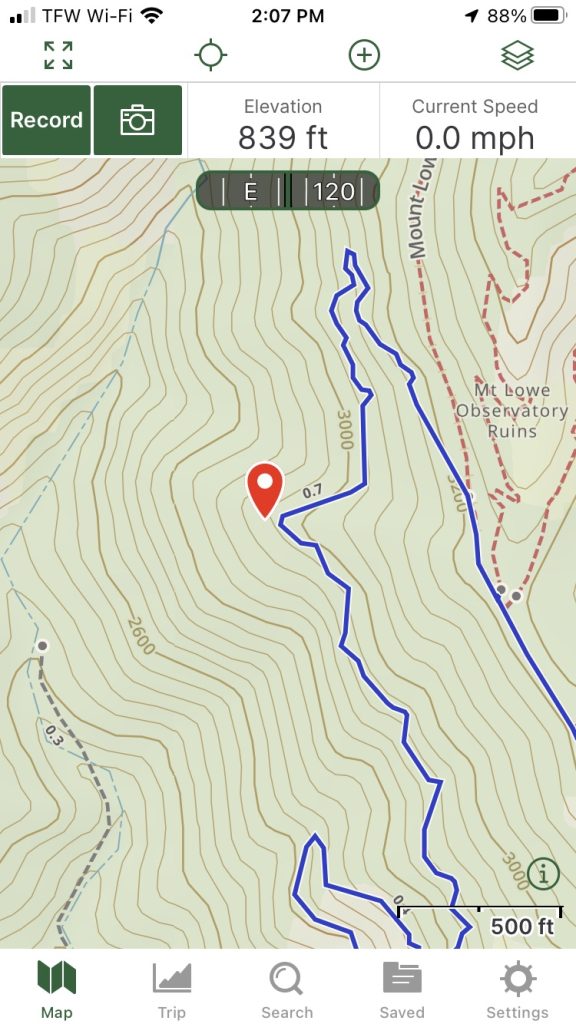
Get to the map using the map icon on the bottom left of the screen.
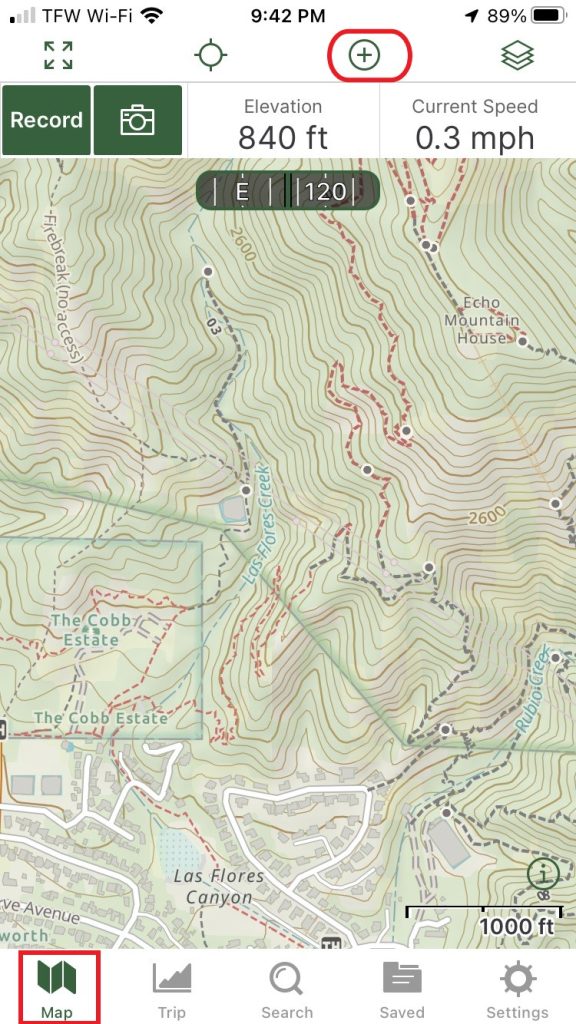
Select the plus sign at the top to open a menu.
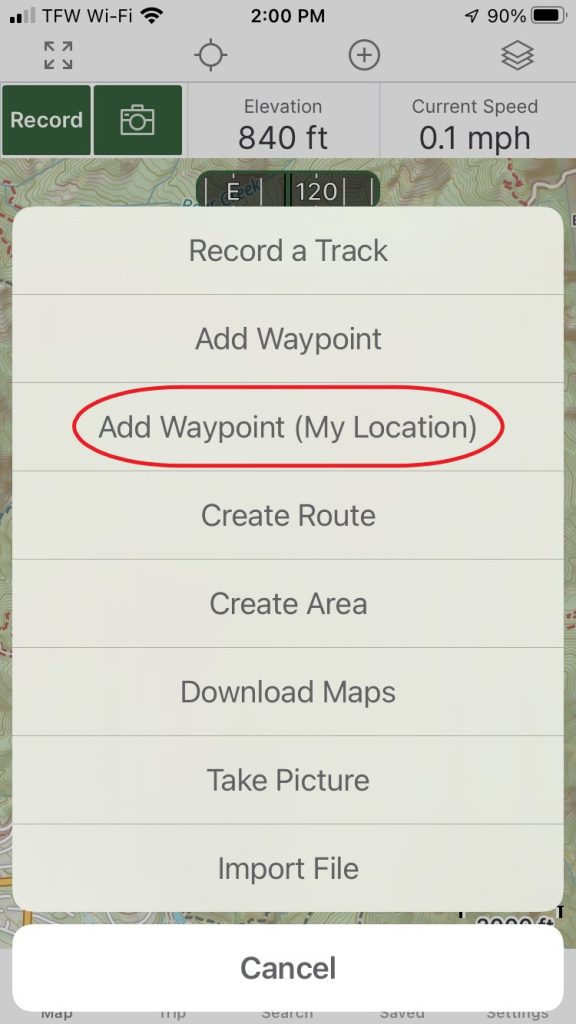
Choose Add Waypoint (My Location). Simple Add Waypoint puts the waypoint in the wrong location.
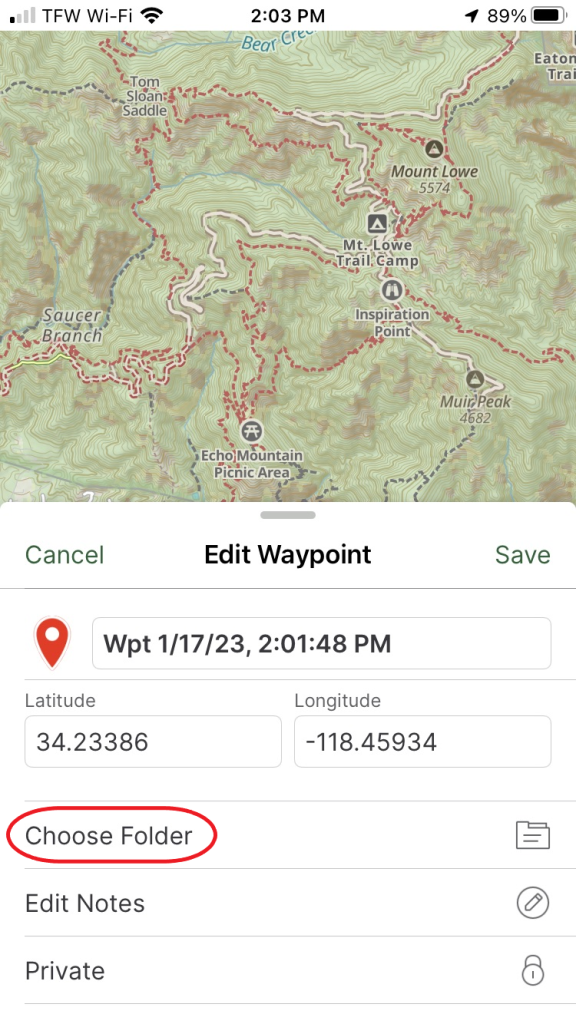
If you are not using folders then select Save now. To add the waypoint to a folder, select Choose Folder as below.
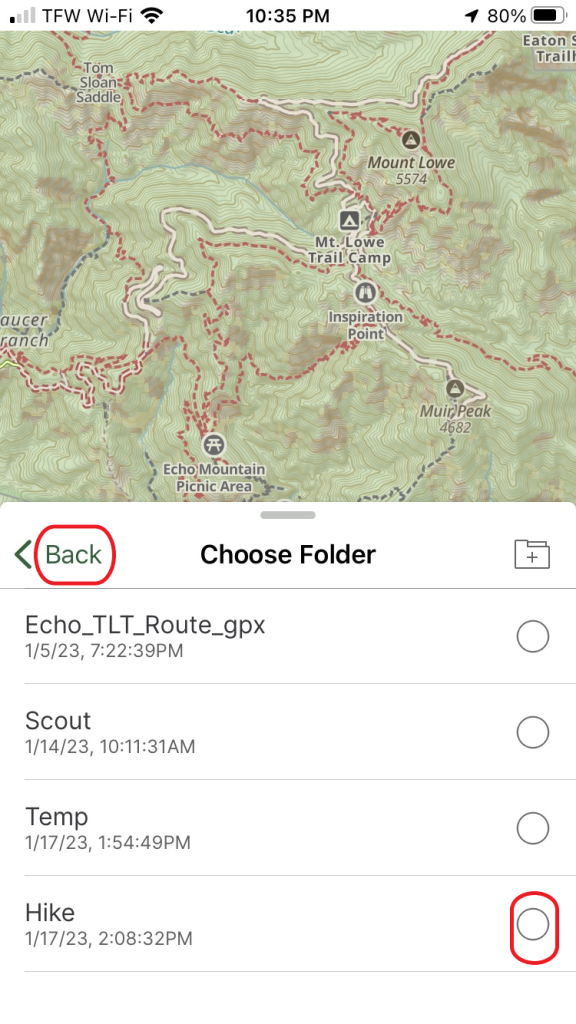
Select the folder to use. Here we select Hike. You can also create a new folder here. Select Back when done.
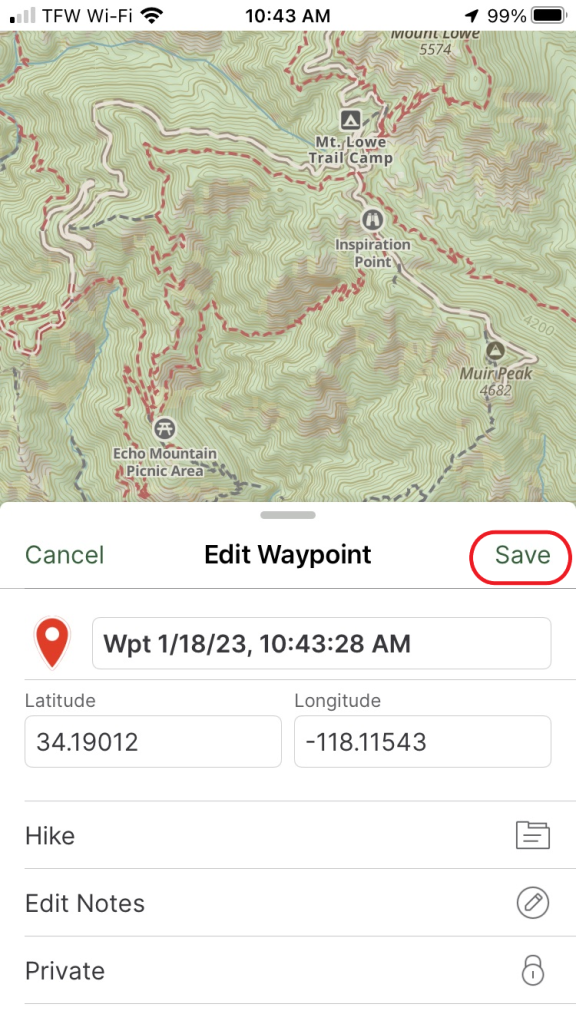
Select Save.
Close the waypoint box.
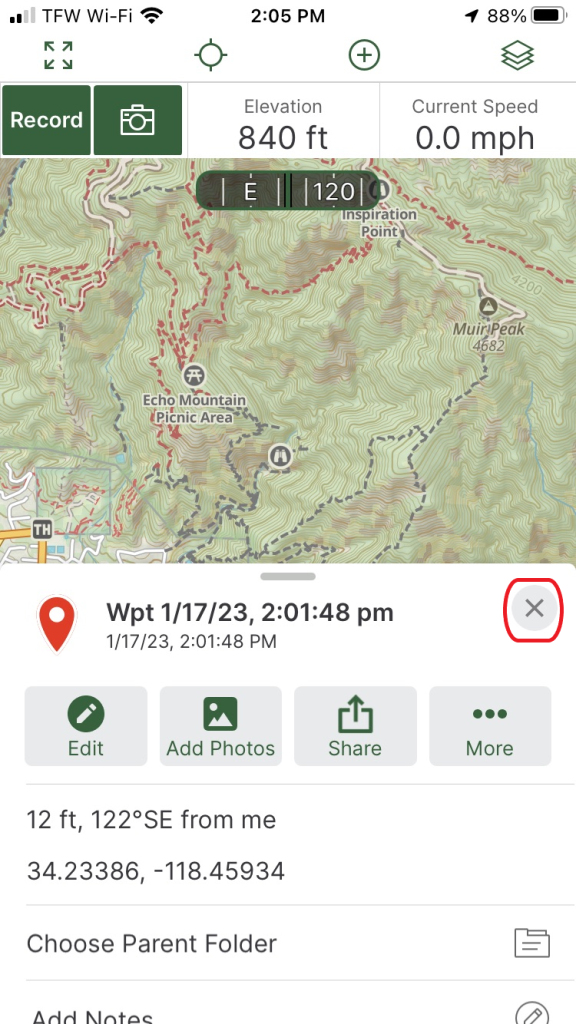
You created a waypoint!